iPad Mockup Generator
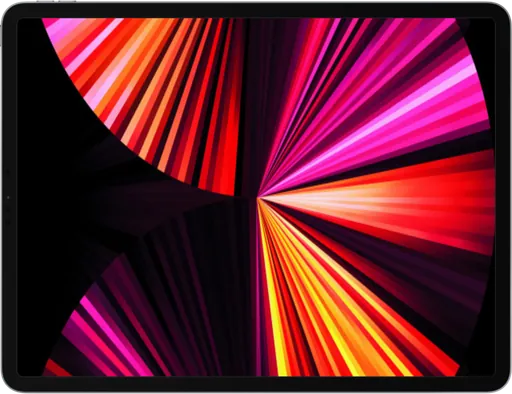
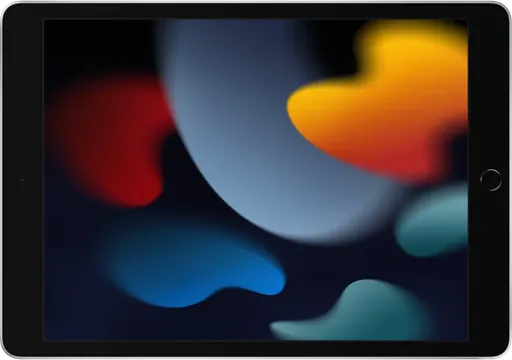
Show off iPad apps, dashboards, and tablet layouts in a realistic iPad frame. Choose from 7 iPad models, pick a color and orientation, add a background, and export in seconds. No design skills needed, and no watermark on images.


- Create iPad Mockup
- Models7
- Colors12
- OrientationPortrait & landscape
- ExportPNG, JPG, WebP, MP4
- PriceFree
All iPad mockups


Frequently asked questions
How do I create an iPad mockup?
Pick one of the 7 iPad models, upload a screenshot or screen recording, and PostSpark places it inside the frame automatically. Adjust the background, shadow, and rotation, then export the result as an image or video. No account is required to export images.
Which iPad models can I use?
PostSpark has 7 iPad frames: iPad A16, iPad Pro 13 M4, iPad Pro 11 M4, iPad Pro 12.9, iPad 9, iPad Air, iPad Mini.
Can I show the iPad in landscape?
Yes. Every iPad frame supports both portrait and landscape, and you can switch between them at any point without re-uploading your screenshot.
Can I make a video iPad mockup?
Yes. Upload a screen recording instead of a screenshot and it plays inside the iPad screen. You can add animations and zoom effects, then export the result as an MP4.
Is the iPad mockup generator free?
Yes. You can export unlimited iPad mockups as images for free, with no watermark. The Pro plan adds video export in 2K at 60 FPS and higher-resolution image exports.
More device mockups

Vinh Pham
@vinh.dev
Just discovered postspark.app tool for creating beautiful screenshots for all sorts of things. It's perfect.

gungun0x
@jGungun36
Awesome tool to generate converting screenshots

Dustin W. Stout
@dustinwstout
My new favorite tool!

MHD
@mhdcode
This is a crazy tool, why didn’t anyone tell me about it?

OneQuy
@onequy
Use @postspark_app you will never regret it

NadolnyDev
@nadolnydev
Love it, I've already used it for my post